What Is a 4G LTE Security Camera and How Does It Work
What Is a 4G LTE Security Camera and How Does It Work
A 4g lte security camera lets you watch video safely without Wi-Fi. You put a SIM card in to connect the smart camera to cell networks. This works well in far away places or where there is no internet. You can watch live video from 4g wireless security camera systems anywhere. You can also use recording options of 4g lte security cameras anywhere. Many 4g cellular-based cctv cameras have features like night vision of 4g surveillance cameras. You get more choices with 4g video cameras that send video over cell networks.
Key Takeaways
4G LTE security cameras use cellular networks to work. You can watch places that do not have Wi-Fi. This is good for faraway spots.
Setting up a 4G camera is easy. Put in a SIM card. Mount the camera. Turn it on. You can start watching fast.
These cameras have night vision and motion detection. They help keep things safe. You get clear video in many situations.
Data use changes with video quality and how often you stream. Look at your data plan. This helps you not get surprise charges.
4G cameras are easy to move. You can put them in new places when you need to.
4G LTE Security Camera Basics
What Is a 4G LTE Security Camera
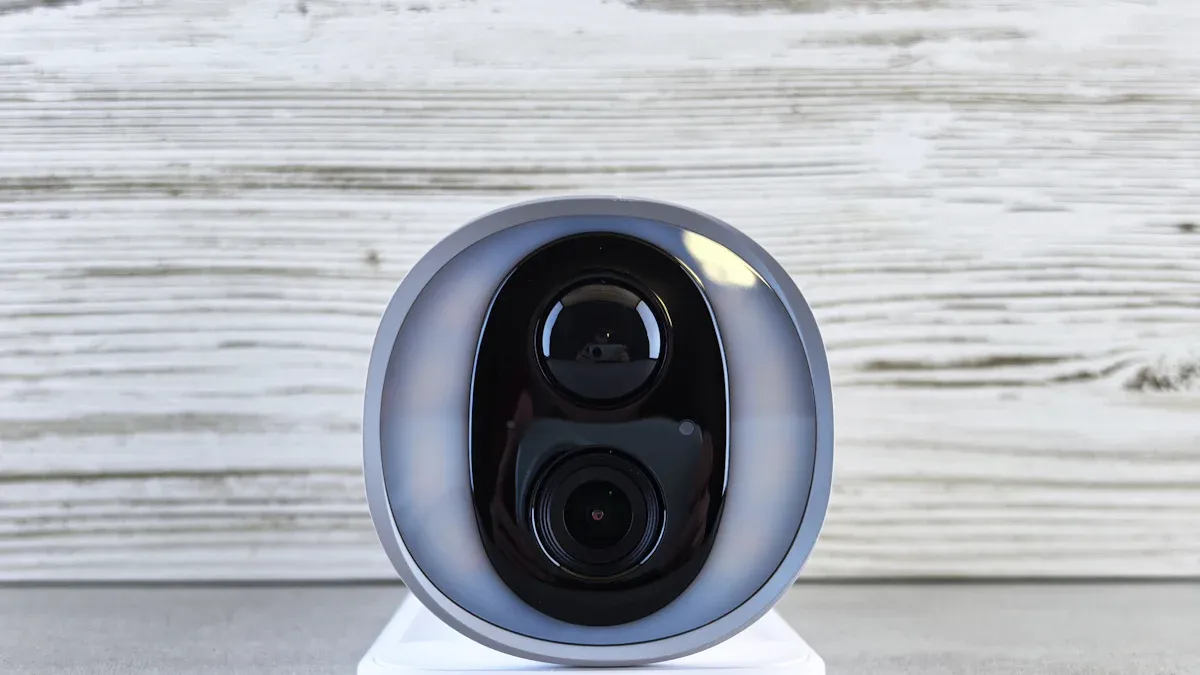
A 4g lte security camera is a smart device. It helps you watch your property without Wi-Fi. This camera uses a cellular network to connect to the internet. It works like your phone. You put a SIM card into the camera. The camera uses 4g lte networks to send video and alerts. Many lte security cameras work in places with no wired internet or Wi-Fi. You can use 4g camera systems on farms, at cabins, or on construction sites. They also work in vehicles.
Most 4g security cameras show clear video. Some have a 1296p front camera and a 1080p inside camera. You get features like night vision, GPS tracking, and motion detection. These help you watch both inside and outside. Some 4g surveillance camera models have radar detection. This helps stop false alarms. Many lte security cameras let you save video on microSD cards. You can also upload video to the cloud for safety.
Tip: If you need to watch a faraway place, a 4g ip camera gives you more choices than a Wi-Fi camera.
How 4G LTE Security Cameras Work
You use 4g lte security cameras where there is no Wi-Fi. These cameras have a built-in cellular modem. You do not need a local internet network. The camera sends live video and alerts over 4g lte networks. You can watch the video on your phone or computer from anywhere.
Here is how it works:
Put a SIM card into the 4g camera.
The camera connects to the cellular network with its modem.
The camera streams video and sends alerts to your device.
You can watch live or saved video with an app.
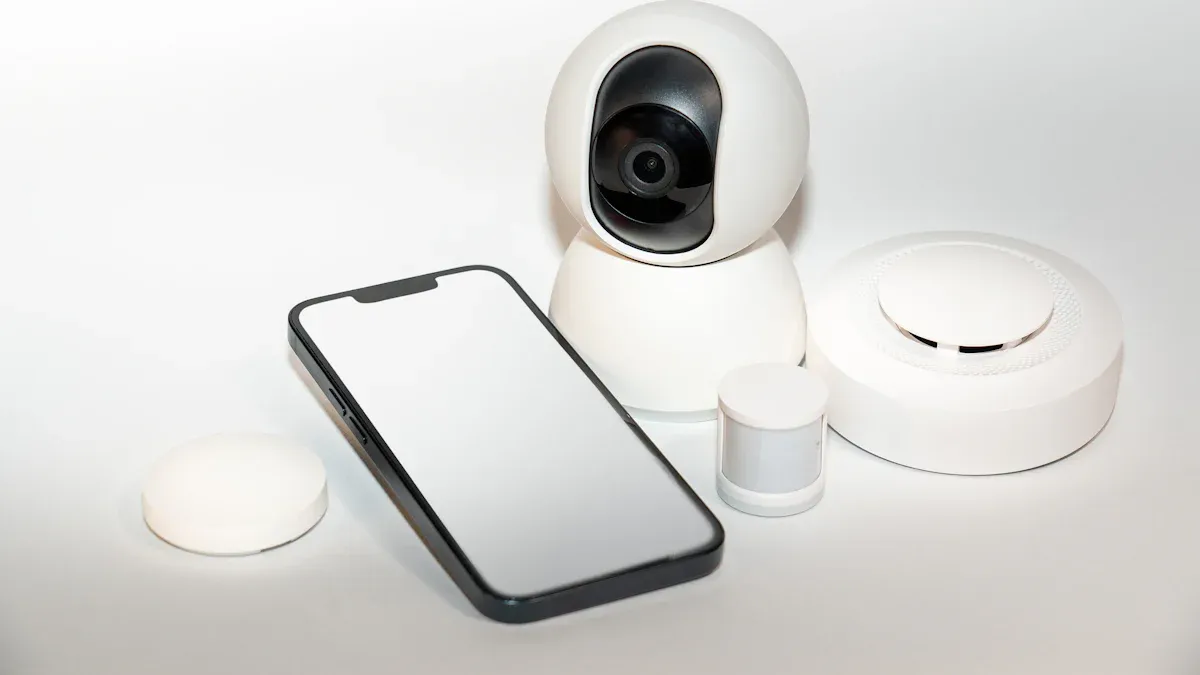
4g security camerasdo not need Wi-Fi or wires. You can move them and put them almost anywhere. Many cellular security cameras use motion sensors and G-sensors. These sensors find movement or impacts. Some cameras save video before something happens. This way, you do not miss anything important.
Core Components: SIM Card, Modem, Power
You need three main things for lte security cameras:
SIM Card: This small card lets your 4g camera use the cellular network. It works like the SIM card in your phone. Pick a SIM card that matches your carrier and data plan.
4G LTE Modem: The modem lets the camera talk to 4g lte networks. It sends video and alerts over the cellular network.
Power Source: Many 4g security cameras use batteries. Some plug into a wall or use solar panels. Battery-powered cameras are easy to put in off-grid places.
Wireless camera + solar panel(s) + charge controller + battery pack
Difficult
$400 – $1,000 + $100 – $500
Battery Bank Powered Camera
Wireless camera + solar system (with battery bank)
Difficult
$4,000 – $5,000 + $100 – $500
Pick the best power option for your location and budget. Solar-powered cameras are good for off-grid places. Battery bank systems last longer but cost more.
Note: Some 4g ip camera models let you save video locally and in the cloud. You can lock important videos so they do not get deleted.
If you stream HD video from your 4g camera every day, you may use 2 GB to 4 GB of data daily. In one month, this is 60 GB to 120 GB. Check your data plan to avoid extra charges.
Data Consumption (per day)
Data Consumption (per month)
2 GB
60 GB
4 GB
120 GB
You can use lte security cameras in many places. Farms, boats, RVs, and construction sites often use cellular security cameras for safety. You get good monitoring even when you cannot use Wi-Fi.
4G LTE vs. Wi-Fi Security Cameras
Connectivity Differences
When you look at 4g camera systems and Wi-Fi security cameras, you see they connect in different ways. 4g security cameras use cellular networks. You do not need local internet for them. This makes 4g cameras work well in faraway places. Wi-Fi cameras need your home or office internet. Sometimes, Wi-Fi is weak or does not work well. If you want a steady connection, 4g cameras are often better. They work where Wi-Fi is missing.
4g camera systems use cellular networks to connect.
Wi-Fi security cameras need strong local internet.
4g security cameras work great in remote places.
Wi-Fi cameras can lose signal if internet is weak.
4g camera devices are harder to hack than Wi-Fi cameras.
Note: 4g security cameras keep a steady connection even if you cannot get Wi-Fi.
Installation and Flexibility
It is easy to set up 4g camera units. You put in a SIM card, mount the camera, and turn it on. Wi-Fi security cameras need a spot with good signal. You must connect to the network and set up the app. Sometimes, you need extra gear to make Wi-Fi stronger. 4g security cameras are plug-and-play. You can move them anywhere you want.
If you want to move your camera, 4g camera systems make it simple. You do not worry about Wi-Fi range or wires.
Use Cases for 4G Security Cameras
4g security cameras work in many places where Wi-Fi cameras cannot. You can use a 4g camera to watch farms, boats, or building sites. These cameras are good for fast setup and strong safety.
Use Case
Description
Remote Monitoring
Good for places with no Wi-Fi or regular internet.
Enhanced Surveillance
Gives more features for homes and businesses.
Easy Setup
Quick to install, so anyone can use them anywhere.
If you need cameras for places without Wi-Fi, 4g camera models give you more choices. You can trust 4g security cameras for homes and businesses. They are easy to set up and give strong, steady connections.
Benefits of 4G Cellular Security Cameras
Remote Monitoring Anywhere
You can watch places from far away with 4g cellular security cameras. These cameras show live video and send alerts anywhere with cell service. You do not have to be there to check your property. With 4g security cameras, you see video right away. This helps you act fast if something happens. Quick action can stop problems from getting worse. The strong signal from lte security cameras means you keep video, even in emergencies.
No Wi-Fi Needed
4g cellular security cameras work fine without Wi-Fi. You do not need to look for a good internet signal. This makes them great for country areas or places without Wi-Fi. Here are some main benefits:
High portability: You can move a 4g camera to new places when you need.
Location freedom: You can put lte security cameras anywhere with cell service.
No hacking risks: Without Wi-Fi, these cameras are harder for hackers to get into.
Less setup hassle: You can set up 4g security cameras fast, with no Wi-Fi gear needed.
You can use 4g cellular security cameras for many things. Their easy-to-move design helps you protect events, cars, or changing job sites. You can set up a 4g camera fast in the best spot each time. This means you always watch the most important places. Mobile video from lte security cameras works well even if you cannot use wires. Some outdoor models, like the Hikvision Outdoor Camera, work in rain, snow, or dust. You get smart alerts and clear video, no matter the weather. Always change default passwords and update software to keep your cameras safe.
Choosing and Using 4G Security Cameras
Data Usage and Costs
When you use 4g security cameras, you need to think about how much data they use. The amount depends on how often you record and the video quality. If you use lte security cameras for live streaming or cloud recording, your data usage goes up. Here is a table to help you see how different activities affect your data:
If you only check your mobile security camera sometimes, you use less data. If you record all day, you need a bigger data plan. Always check your plan to avoid extra charges.
Carrier and SIM Compatibility
You must pick a SIM card that works with your lte security cameras. In North America, T-Mobile, AT&T, and Verizon all support most 4g security cameras. Here is a quick look:
Carrier
Compatibility
T-Mobile
Yes
AT&T
Yes
Verizon
Yes
Sometimes, you may have problems with your SIM card. Here are common issues and how to fix them:
Issue Description
Solution/Advice
SIM card not activated
Make sure your SIM card is active with your carrier.
Improper SIM card installation
Check that the SIM card is in the camera the right way.
Insufficient signal strength
Place your camera where you get at least three bars of LTE.
Camera LED fast blinking amber
The camera is not connecting to the LTE network.
Camera LED solid amber
The camera does not see an active SIM card.
If you want your mobile security camera to work well, always check for a strong signal and use a SIM card from a major carrier.
Setup and Maintenance
Setting up lte security cameras is easy if you follow the right steps. Here is a simple guide:
Pick a good spot with clear views and no big objects in the way.
Use strong mounts to keep your camera safe from tampering.
Make sure your camera has power and a memory card.
Set the date, recording mode, and motion alerts.
Test the camera by walking in front of it and adjust if needed.
Hide your camera if you want extra security and turn on real-time alerts.
When you choose 4g security cameras for remote areas, look for models with solar power, smart motion detection, and good night vision. These features help you get the best results. Some cameras, like the Spypoint Link Dark, get high marks for easy setup. Others may take more time to install. Always read the manual and check for updates to keep your camera working well.
Tip: Clean your camera lens often and check your data usage every month to avoid surprises.
You can trust 4g security cameras for simple setup and good monitoring where there is no Wi-Fi. These cameras use cell networks, so you get steady video in far places or at events.
You do not need to deal with lots of wires, and you can set them up fast.
Be careful not to make mistakes, like forgetting to check the signal or using the wrong camera settings.
Think about where you want to put your camera and what you need. Look at the costs and benefits over time to pick the right one.
FAQ
How do you set up a 4G LTE security camera?
You insert a SIM card, mount the camera, and connect it to power. Download the app on your phone. Follow the setup steps in the app. Test the camera to make sure it works.
Can you use a 4G LTE security camera indoors?
Yes, you can use these cameras indoors. You only need a strong cellular signal. Place the camera where you want to monitor. Make sure nothing blocks the signal.
How much data does a 4G LTE security camera use?
Data usage depends on video quality and how often you stream or record. For HD video, you may use 2–4 GB per day. Check your data plan to avoid extra charges.
Tip: Lower video quality to save data.
What happens if the cellular signal is weak?
If the signal is weak, your camera may not send video or alerts reliably. Move the camera to a spot with better signal. Use the app to check signal strength before final placement.